
Download QlipBoard – animated video maker, screen recording tool, tutorial video creator
Overview
QlipBoard is a specialized Windows application designed to transform static images into engaging animated videos. The software targets users who need to create polished, step-by-step visual guides—such as software tutorials, product demonstrations, or educational content—without the complexity of full video editing suites. By focusing on image-based animation, QlipBoard streamlines the process of turning screenshots into dynamic presentations, making it a valuable tool for educators, trainers, and content creators.
Its core function revolves around joining still images with smooth transitions, enhancing clarity and flow in instructional material. This capability is particularly useful for users who must document processes in software or digital workflows. The app’s emphasis on simplicity and efficiency sets it apart in the productivity space, offering a lightweight alternative to heavier video editing platforms.
Developed by Joe C. Jones, QlipBoard has been available since 2008, indicating a long-standing presence in the niche of image animation tools. While specific details about the developer’s background were not provided, the app’s enduring relevance suggests consistent functionality and user support over time. The application is free to use, making it accessible for individuals and organizations seeking a no-cost solution for creating professional-looking tutorials.
Real-world applications include training new employees, demonstrating software features, or creating marketing videos that showcase product workflows. In the broader app ecosystem, QlipBoard fills a specific gap by focusing on image-based animation rather than full video capture, offering a streamlined experience for users with straightforward content needs.
Key Features & Functionality
- Smooth Transitions: QlipBoard enables seamless transitions between images, ensuring a polished visual flow. This is especially beneficial in tutorials where abrupt cuts can disrupt comprehension. Users can create professional-grade videos by linking multiple screenshots with fluid motion, improving viewer retention and clarity.
- Customizable Annotations: The app allows users to add explanatory text and highlight specific areas on the screen. This feature enhances instructional value by drawing attention to key elements, such as buttons or menus, and supports visual learning styles.
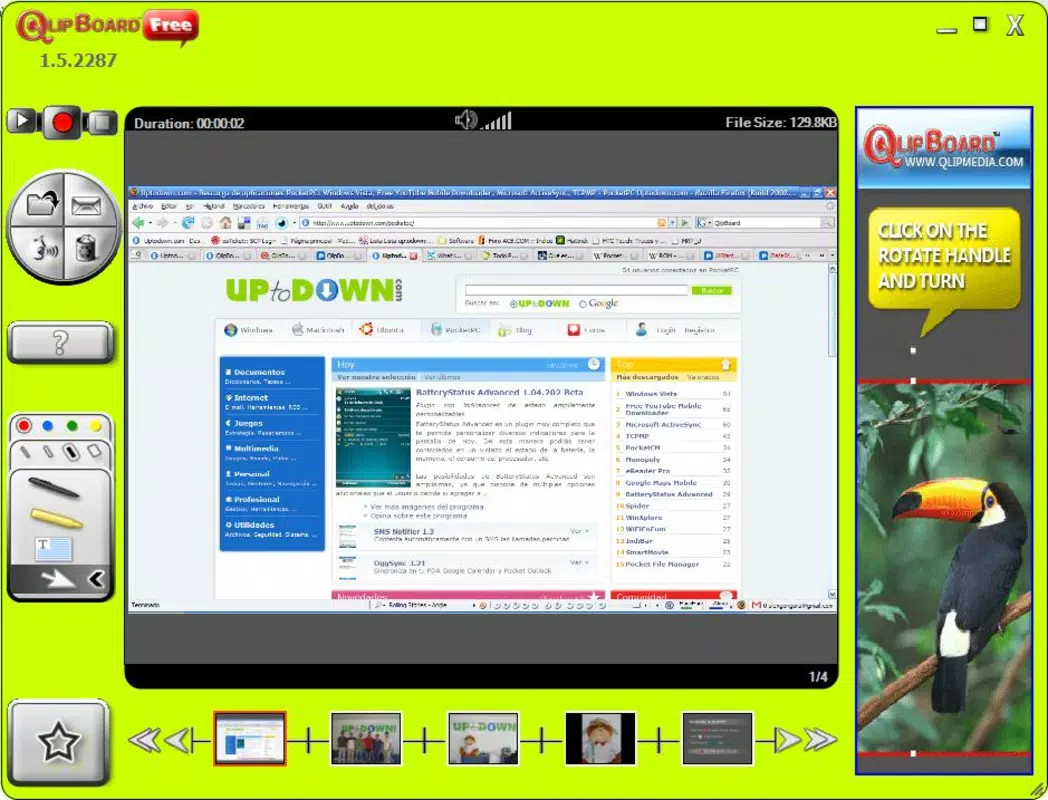
- Multi-Screenshot Support: QlipBoard supports the capture and integration of multiple consecutive screenshots. This capability simplifies the creation of long-form tutorials, allowing users to document each step of a process without switching between tools.
- Visual Effects: The software includes tools like animated mouse pointers and colored strokes, which can emphasize actions and guide the viewer’s attention. These effects are ideal for illustrating user interactions in software demonstrations.
- User-Friendly Interface: Designed with accessibility in mind, QlipBoard features an intuitive layout and straightforward navigation. This ensures that users of all experience levels can create high-quality videos with minimal learning curve.
For example, a trainer can use QlipBoard to compile screenshots of a customer service workflow, apply smooth transitions, annotate critical steps, and add a highlighted mouse pointer to simulate real-time interaction. The result is a clear, engaging video that effectively communicates the process without requiring advanced editing skills.
Interface, UX & Performance
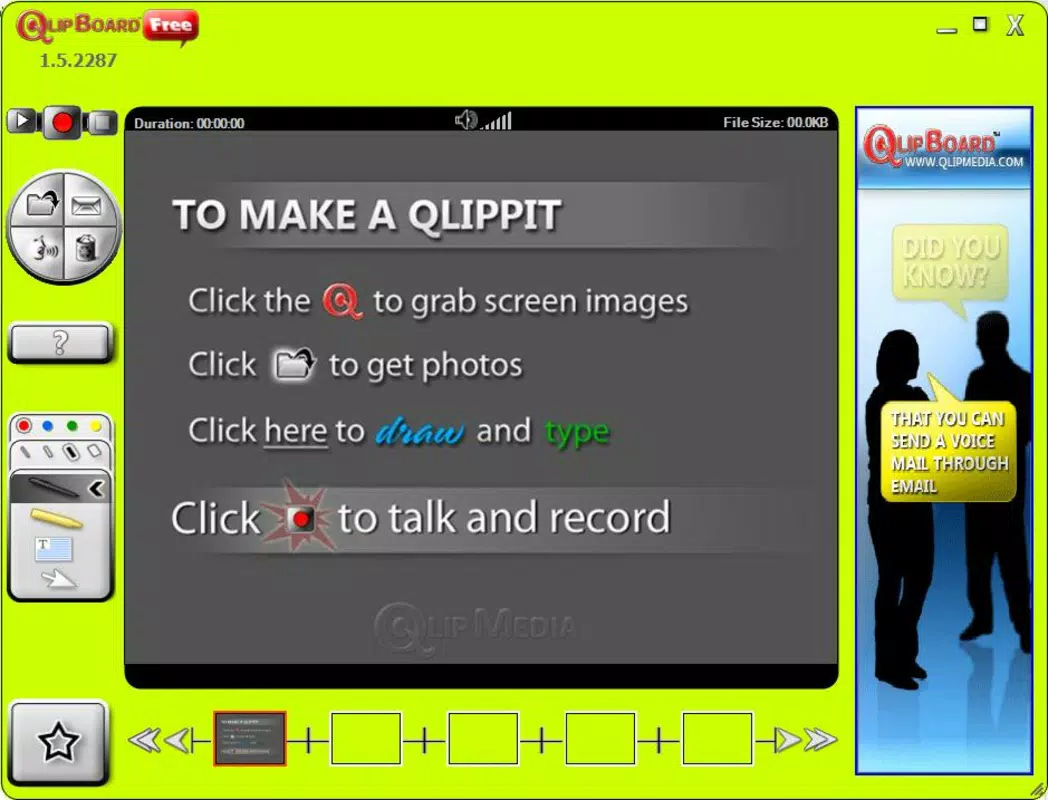
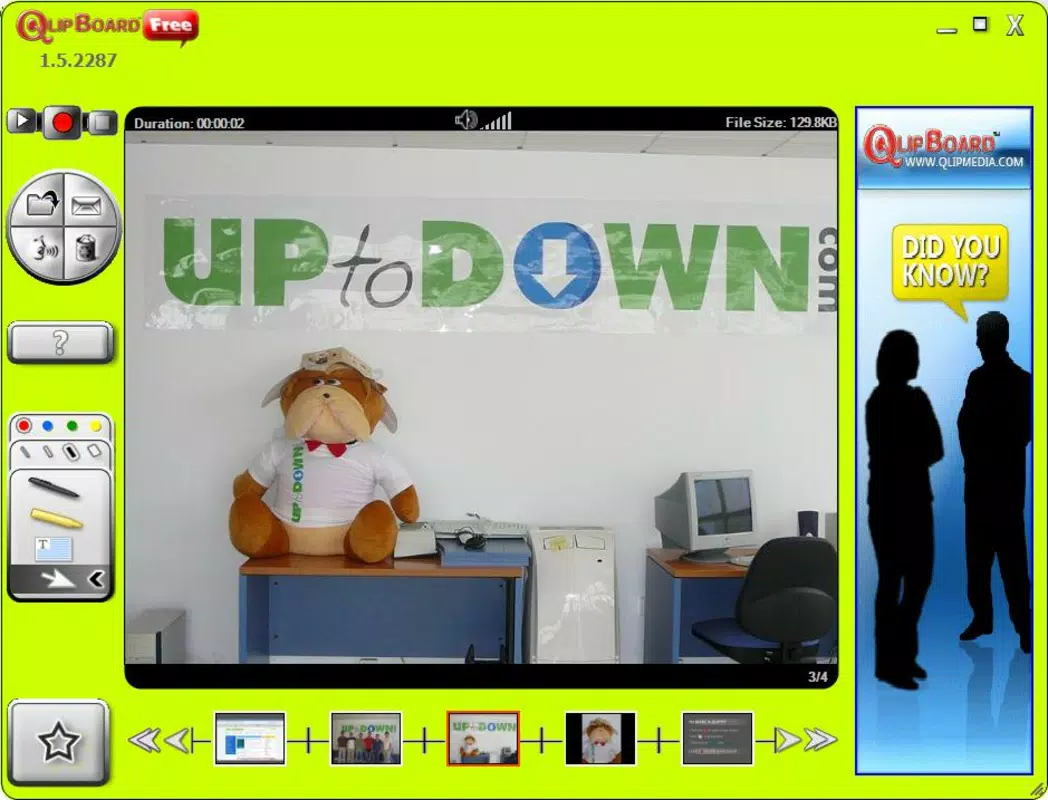
The interface of QlipBoard is designed with simplicity and functionality in mind. It features a clean layout that prioritizes core tools, allowing users to focus on content creation without distractions. Navigation is straightforward, with key functions logically grouped and accessible through a well-organized menu system.
Visual style is minimalistic, emphasizing usability over decorative elements. This approach supports efficient workflow, particularly for users who need to produce content quickly. The app responds promptly to user inputs, maintaining smooth performance during image loading, transition application, and effect rendering.
Although the developer did not list formal performance metrics, the app’s lightweight size of 32.4 MB suggests optimized resource usage. It is likely to perform reliably on a wide range of Windows systems, including older or low-spec machines. Stability appears consistent, given the app’s long availability since 2008.
Responsiveness across different screen resolutions and display settings has not been publicly documented. However, the intuitive design implies adaptability to various user environments. Overall, the user experience reflects a mature product focused on core functionality with minimal friction.
Platform Compatibility & Technical Requirements
QlipBoard is available exclusively for the Windows platform. It runs on Windows operating systems, though specific version requirements were not listed. The application has a file size of 32.4 MB, indicating a lightweight footprint that does not impose significant storage demands.
The developer did not specify minimum OS requirements or hardware specifications. As such, compatibility with specific Windows versions or system configurations remains unclear. Users should ensure their system meets general Windows compatibility standards to run the app successfully.
Given the app’s release date of 2008, it may function on older Windows versions, but modern system updates could affect performance. Users are advised to test the application on their device to confirm functionality. No additional software dependencies were mentioned.
Pros and Cons
- Free to download and use
- Lightweight at 32.4 MB
- Intuitive interface suitable for beginners
- Specialized for image-based video creation
- Supports smooth transitions and visual effects
- No information on compatibility with newer Windows versions
- Platform limited to Windows only
- Developer did not provide technical specifications
- Feature set is focused and may lack advanced editing tools
- No official update history or release notes provided
FAQ
Is QlipBoard safe to download and install?
Yes, QlipBoard is a free Windows application developed by Joe C. Jones. While no third-party security scans were provided, the app’s long-standing presence and lack of reported issues suggest it is safe for use. Users are advised to download from official sources.
Can I use QlipBoard on macOS or Linux?
Currently, QlipBoard is only available for Windows. The developer did not list support for macOS or Linux, so cross-platform usage is not confirmed.
Does QlipBoard require an internet connection?
There is no indication that QlipBoard requires an active internet connection. The app functions offline, which is ideal for users creating content in secure or restricted environments.
How often is QlipBoard updated?
The developer did not provide information on update frequency. The last known release was in 2008, which may suggest limited or no recent updates. Users should monitor official channels for any future releases.
Can I export videos in different formats?
Specific export formats were not listed. The app likely supports common video formats used for tutorials, but exact capabilities depend on the software’s internal settings, which were not disclosed.
Final Thoughts
QlipBoard stands out as a focused, lightweight solution for creating animated videos from still images. Its strength lies in simplifying the tutorial creation process through smooth transitions, customizable annotations, and intuitive design. While it lacks modern features like cloud integration or advanced editing, its core functionality remains relevant for users who prioritize ease of use and efficiency.
It is ideal for educators, trainers, and content creators who need to produce clear, professional-looking instructional videos without the overhead of complex software. The free price point and minimal system requirements further enhance its appeal.
Despite limited technical documentation and no recent updates, the app’s enduring presence suggests reliability and continued usability. For those seeking a straightforward tool to turn screenshots into engaging presentations, QlipBoard remains a viable option.
Download QlipBoard now


